
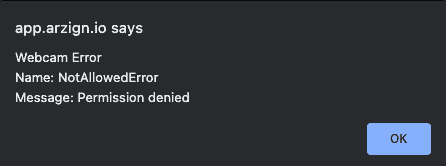
When accessing the camera on Google Chrome and you see an error – NotAllowedError: Permission denied, simply follow the steps below:
1. Click the 3 stacked dots on the far right of Google Chrome to the right of the address bar. Click Settings from the dropdown menu.
2. On the new page that appears, click Privacy and Security from the menu on the left
3. Now, scroll down the page to find Site settings and click this option
4. Under permissions, find Camera. Click this option
5. Under the Allow section, look for app.arzign.io. Click this
6. Under Permissions, look for Camera and check that Camera is set to Allow
7. Now, refresh your browser to see the updates.