
Hi there! These are the steps on how to download your Slidezign video assets...
Step 1: Login to your Slidezign dashboard.

Step 2: Go to the Templates tab.
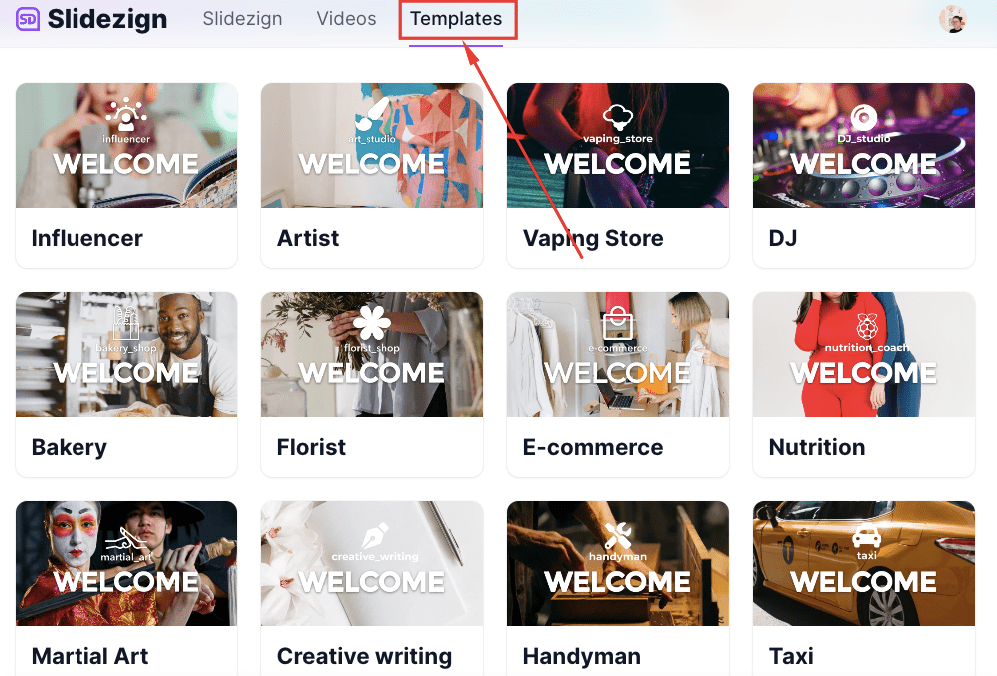
Step 3: Click to select your chosen template
Step 4: Click the three vertical dots on the bottom-right corner of the video.

Step 5: Select "Download" from the options

That's it! You can now access it from your local drive and use it for your Slidezign videos!