
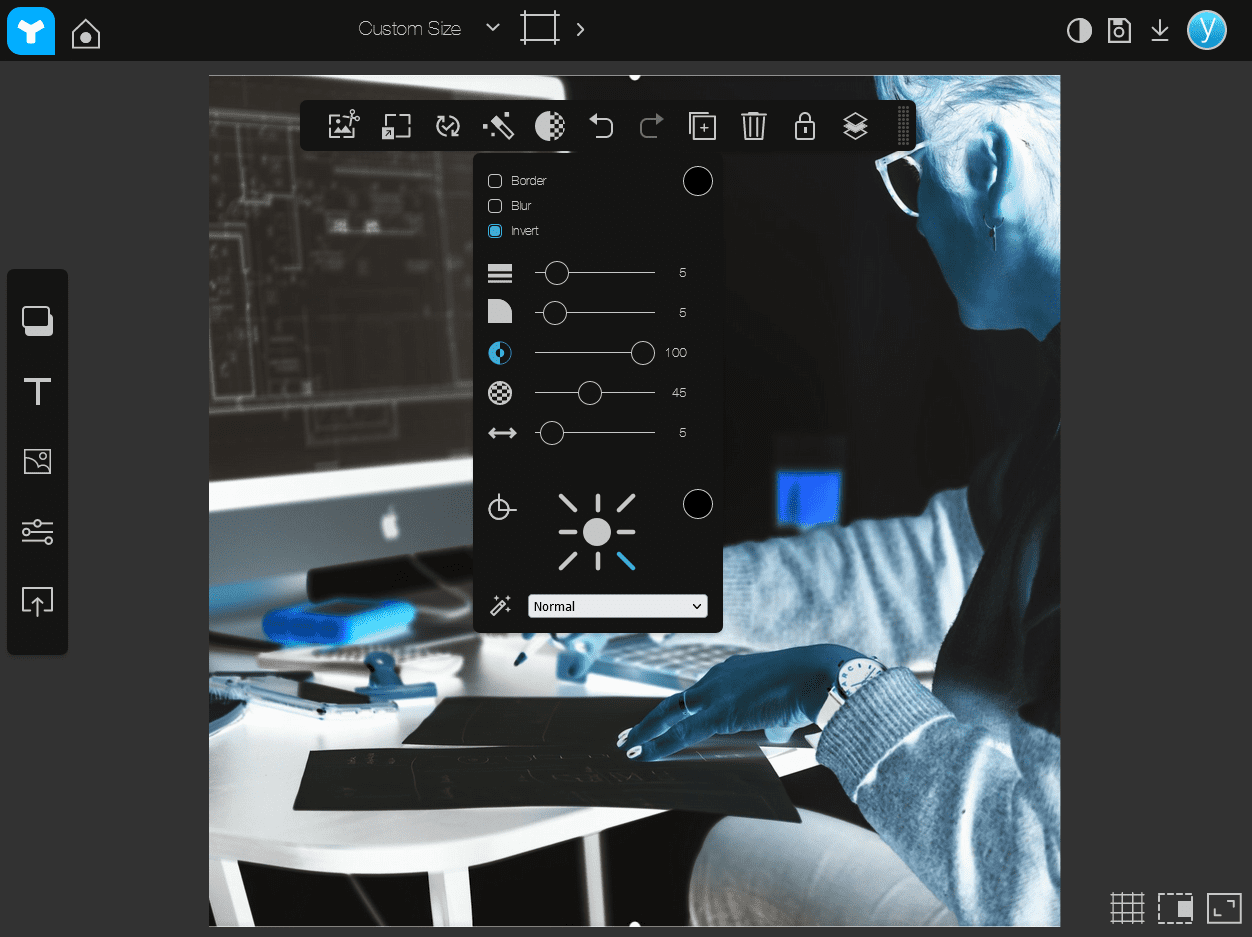
Hi there!
You can now invert the colors of image files in Youzign! Invert from black to white (vice versa), orange to blue, green to purple, and so on!
Here are the steps to achieve this cool effect:
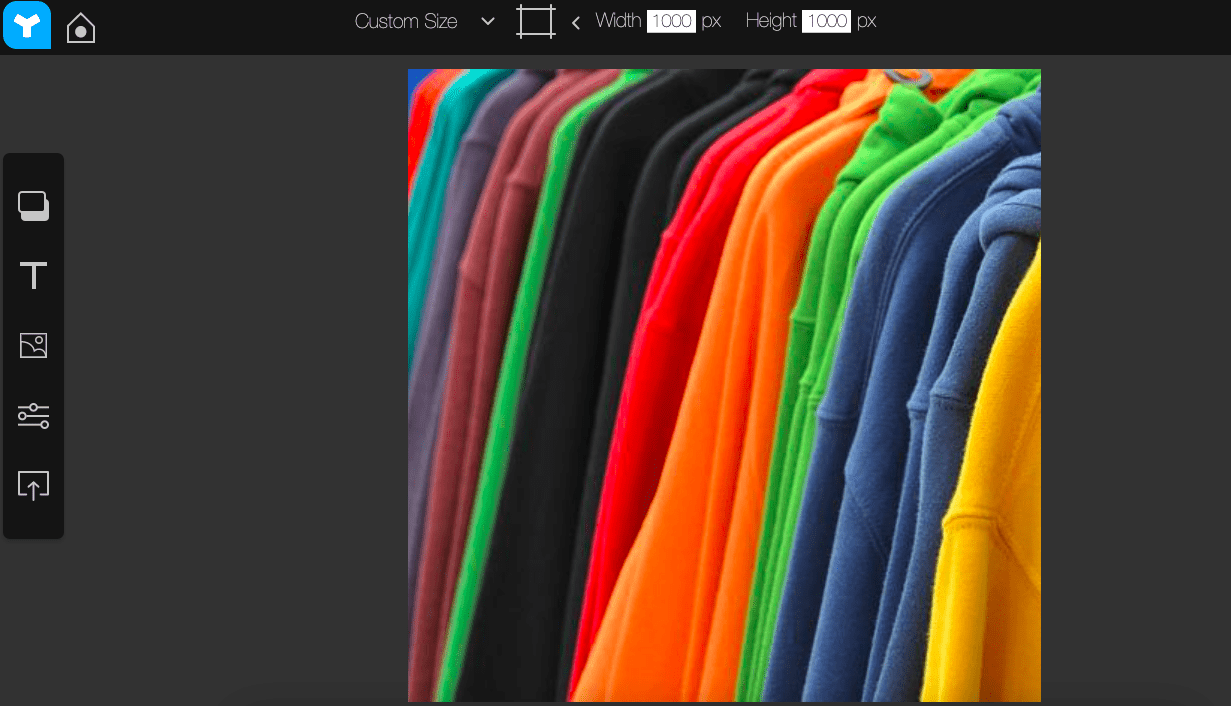
Step 1. Load your image to the Youzign editor.
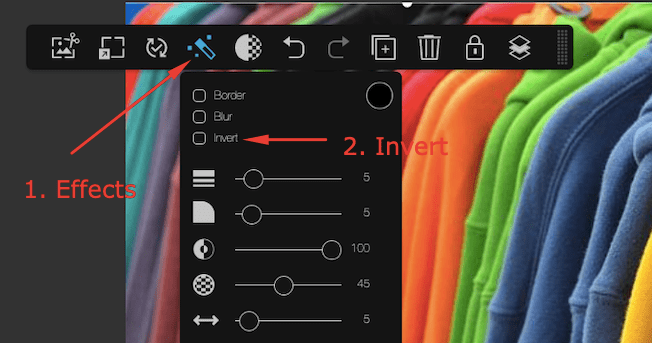
 Step 2. Go to the Effects tool and enable the Invert button by checking it.
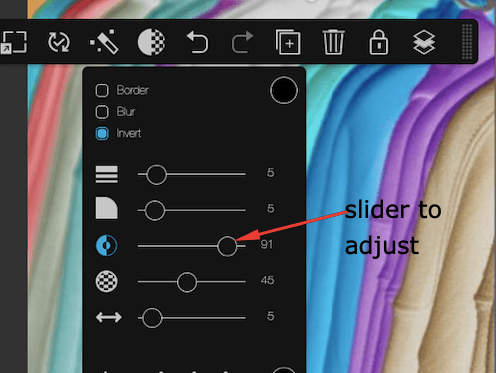
Step 3. Use the Slider to adjust the level from 0 to 100.
That's it! ;)