
There are a couple of AI text-to-image technologies that are available today. One of these is Midjourney => https://www.midjourney.com/
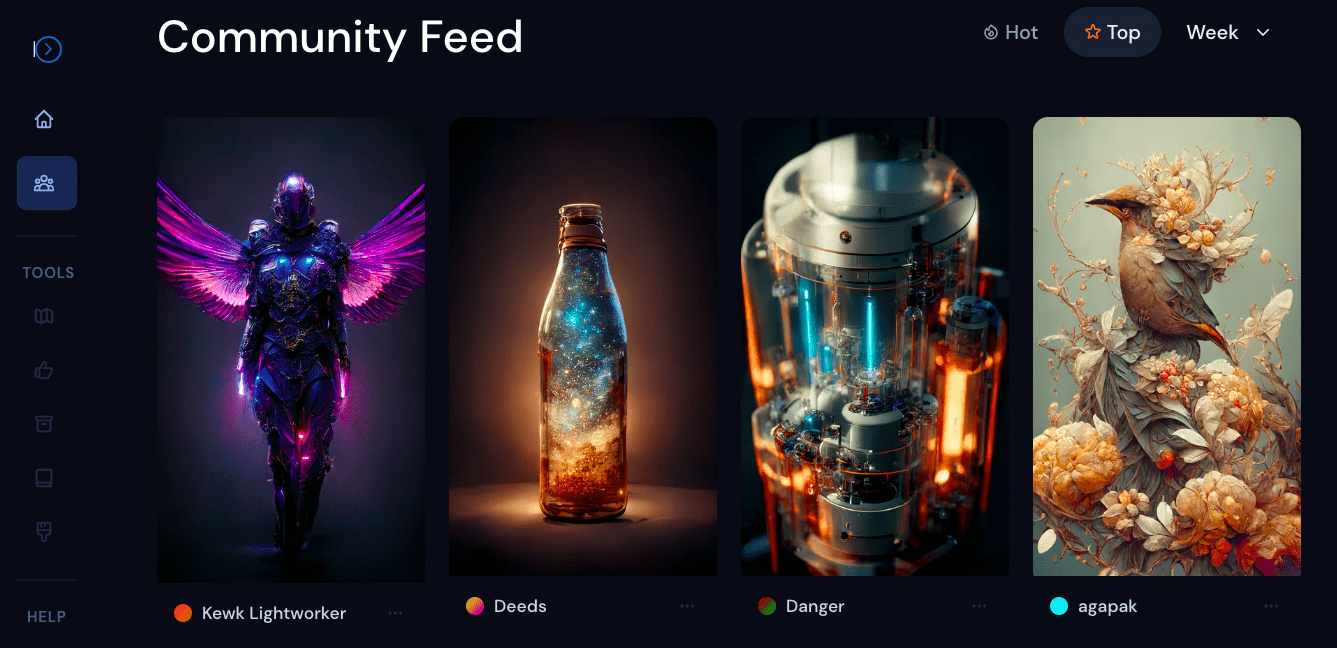
Here are the steps to get started with Midjourney:
1. Register for a Discord Account
To be able to use Midjourney, you will need a Discord account. This platform is where you can generate and download your AI creations. You can sign up for a free account here => here.
Simply run the installation prompt on your device and register your account.
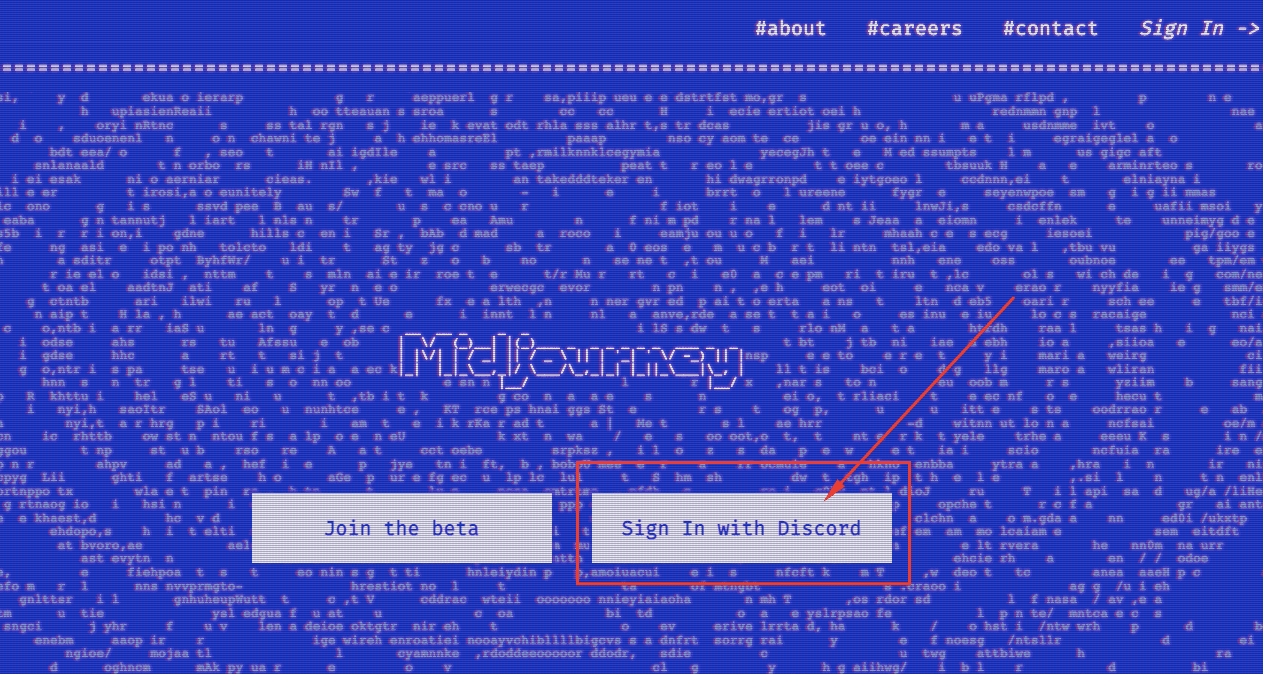
2. Go to Midjourney.com and choose "Sign in with Discord".
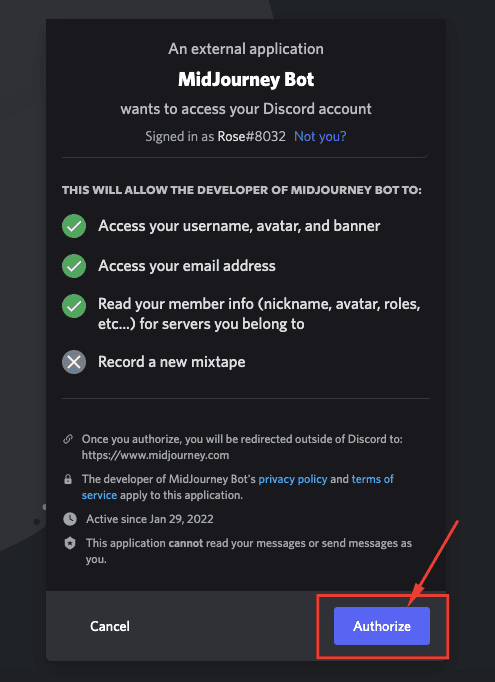
3. This will open a pop-up asking your permission to access your Discord account. It should be okay, click "Authorize".
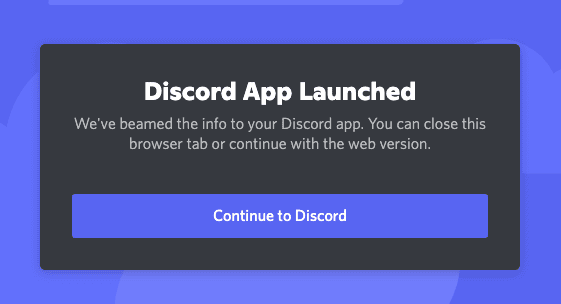
4. You can now click on "Continue to Discord"
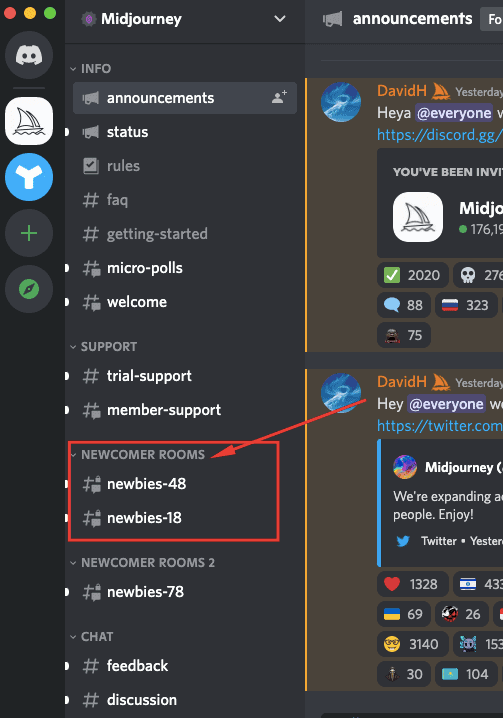
5. Inside Discord, go to the "Newbies" channel. The number on the right side is the number of users in that room.
6. To start generating an image, type "/imagine" then paste your prompt from Zign.ai
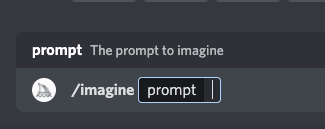

7. Click enter and wait for the Midjourney bot to generate your creation.
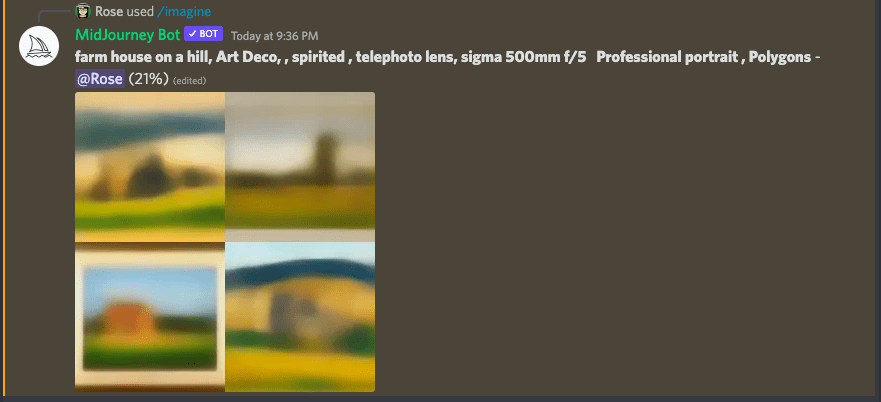
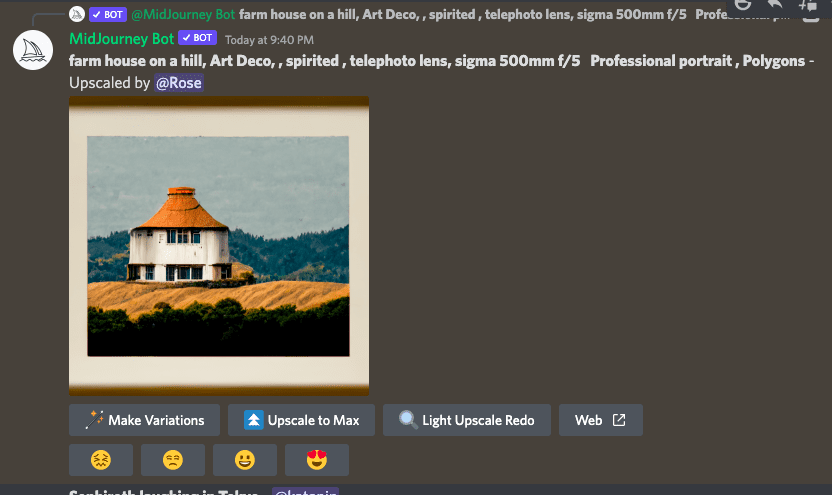
You can further upscale your images or create variations...
To familiarize your self better with this platform, we recommend checking out Midjourney's Getting Started doc here.
Quick Pros & Cons:
Pro
- 25 free images
- Affordable paid plans at $10 for 200 images or $30 month for
- unlimited images
- Great for artwork
Cons
- Not so great for photorealistic images
- Discord based, can be a learning curve
- Still experimental tech too