
One of the core features of your Agencyzign is the ability to receive and accept service requests from your clients!
Here is how they can do it:
1. On the client dashboard, select the  button from the left side panel.
2. Choose the type of service needed and follow along the succeeding pages to narrow down the details of the order.
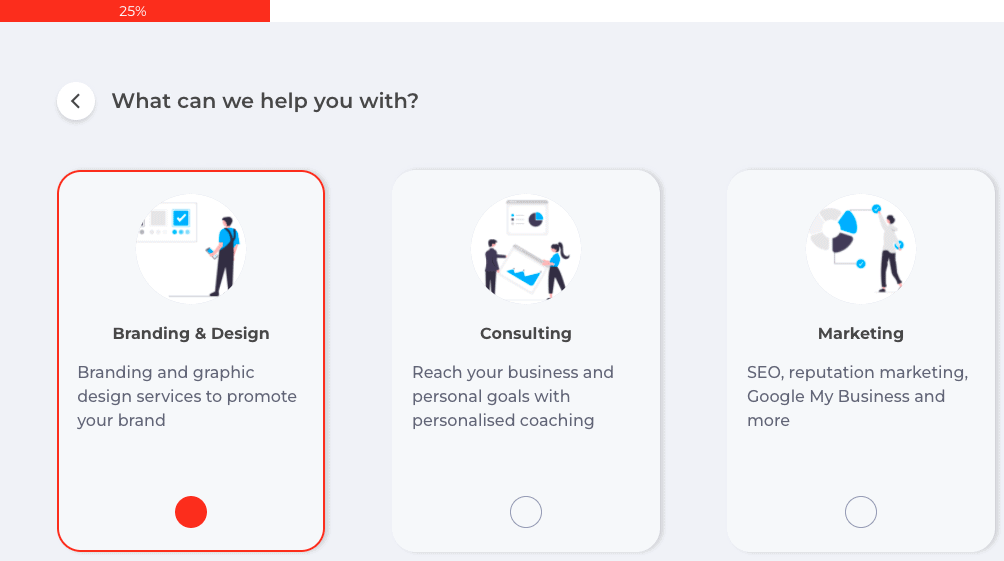
3. Once the details of the request are complete, click on the Submit button.
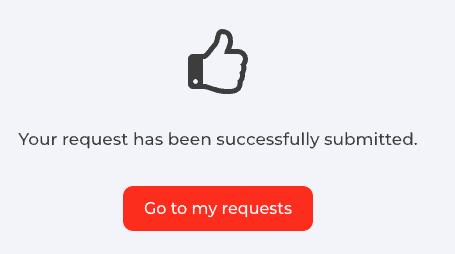
Your clients can click on the Go to my requests button to view their submitted requests, check status, and send follow-up messages to you.