
There are a couple of ways to rotate an image or text in Youzign:
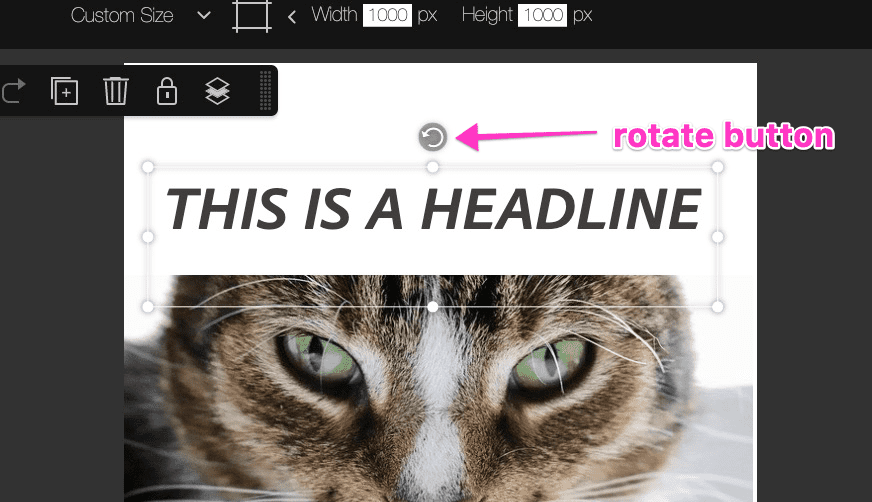
1. One is to click on the rotate button on top of the image/ text and move it to your preferred angle.
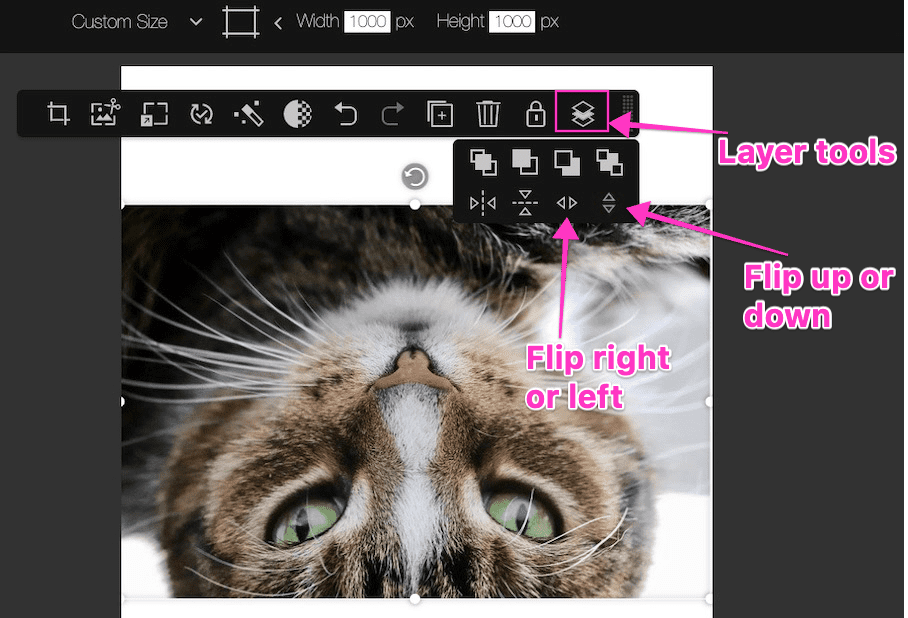
2. The second one is to use the flip tools found inside the Layering options.
That's it!