
Creating a brand profile helps your clients store the names, descriptions, logos, colors, and assets of their brands all in one place. This will help both you (the service provider) and them save time when they submit new requests.
Here are the steps in creating a brand profile:
1. On the client dashboard, click on the Brand Profiles tab.
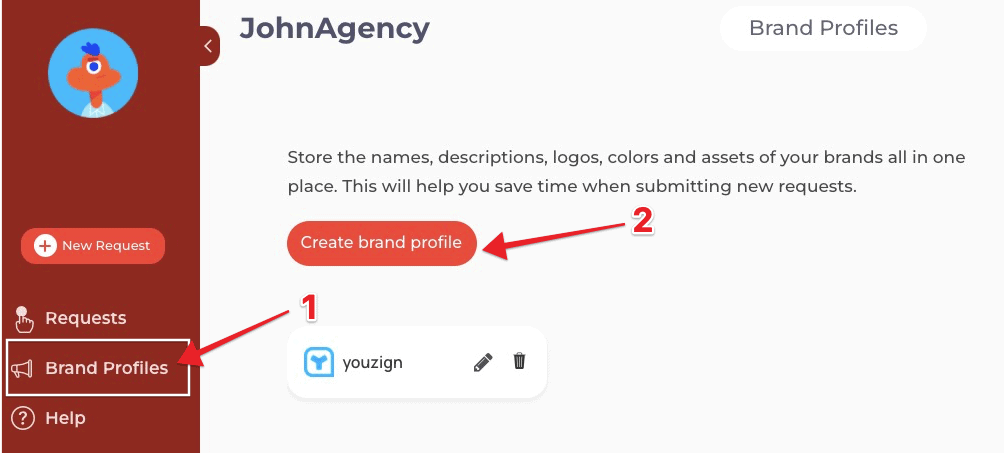
2. Select the Create brand profile button.
3. Fill out the brand profile form and click Save Now.