
You can fetch your Youzign designs inside Slidezign. This makes it incredibly easy to use them for your video slides!
Here are the steps to connect both apps:
1. Login to your Slidezign dashboard and click on "Do it now"

2. Click on "Connect Youzign".

3. Fill out the form with your Youzign Public API key and token.
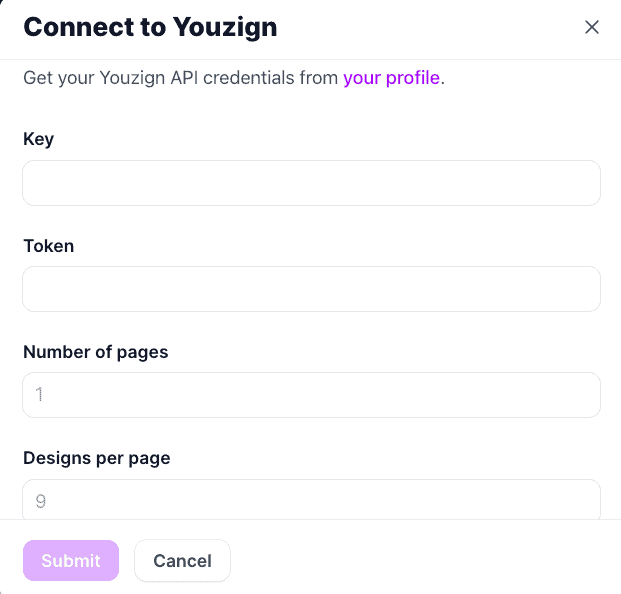
4. Hit Submit. Please wait for a few moments and check your Slidezign dashboard. Your Youzign designs should populate at the bottom of the page (just next to the Videos section).
