
Arzign makes it easy for you to create augmented reality experiences. Here is how it works:
Dashboard
From your dashboard, you can view, edit or create your scenes.
To get started, click on Create.
Scene name
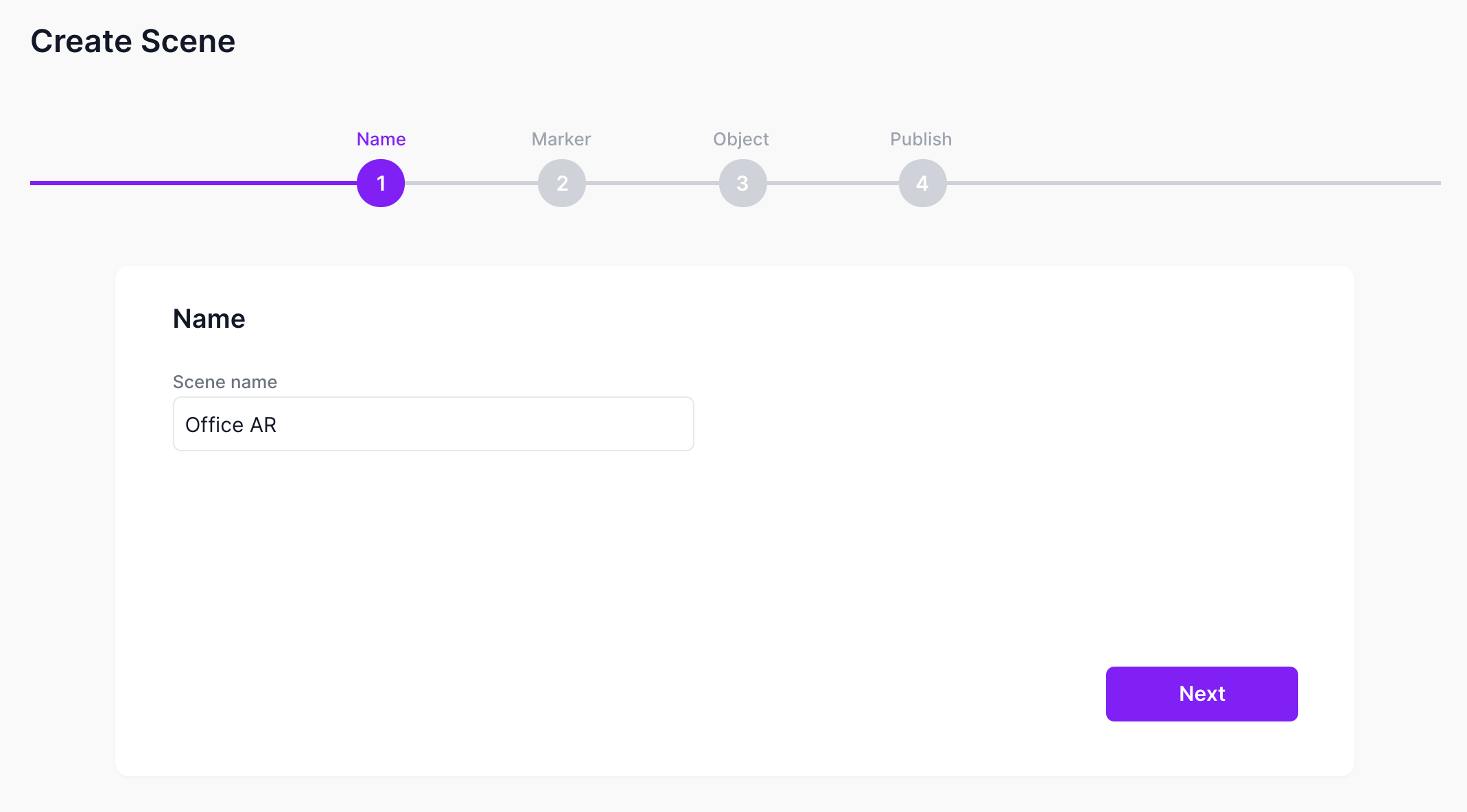
Start by giving your scene a name.
Marker
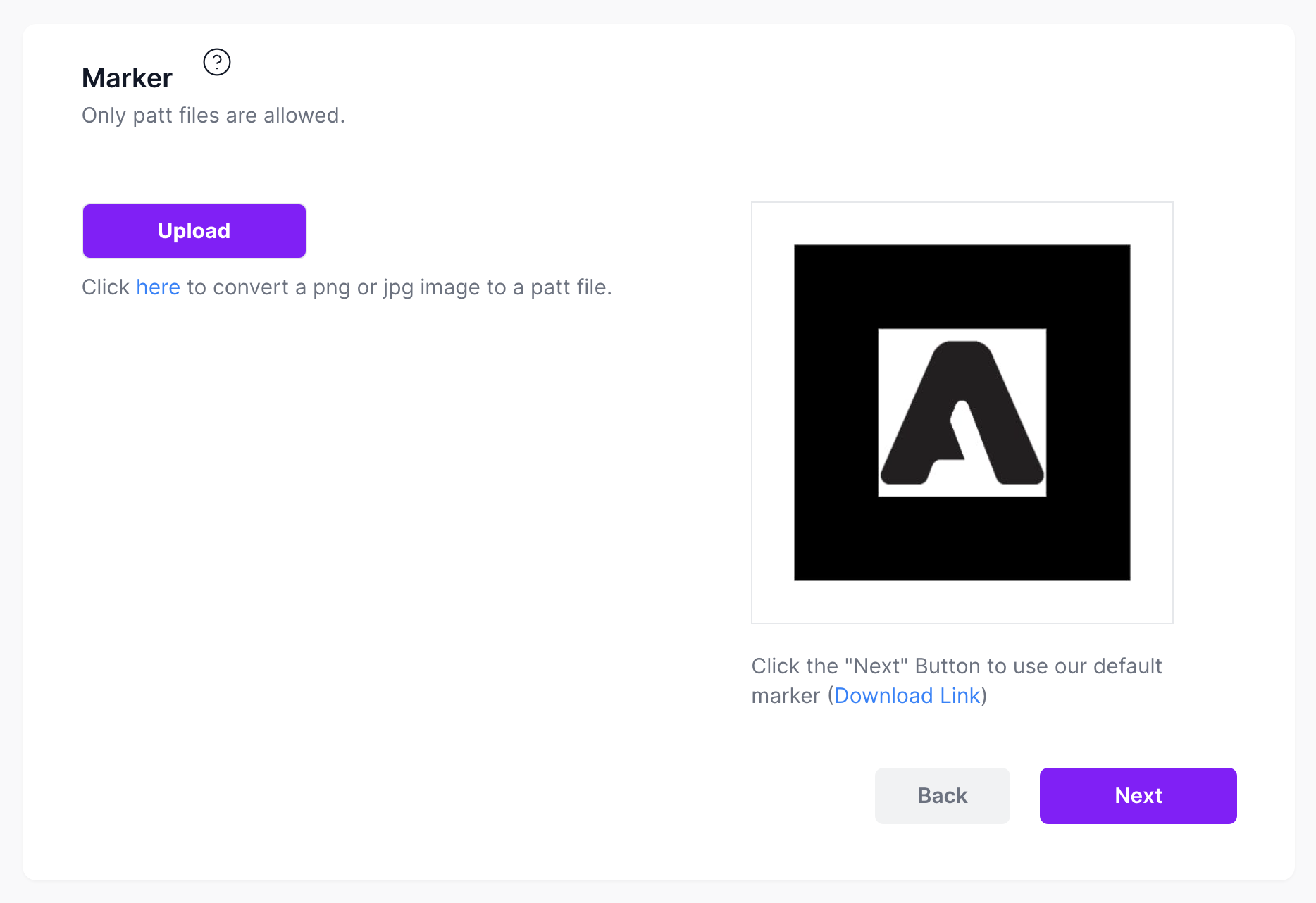
Next, you can upload your own marker or use the default marker.
Object
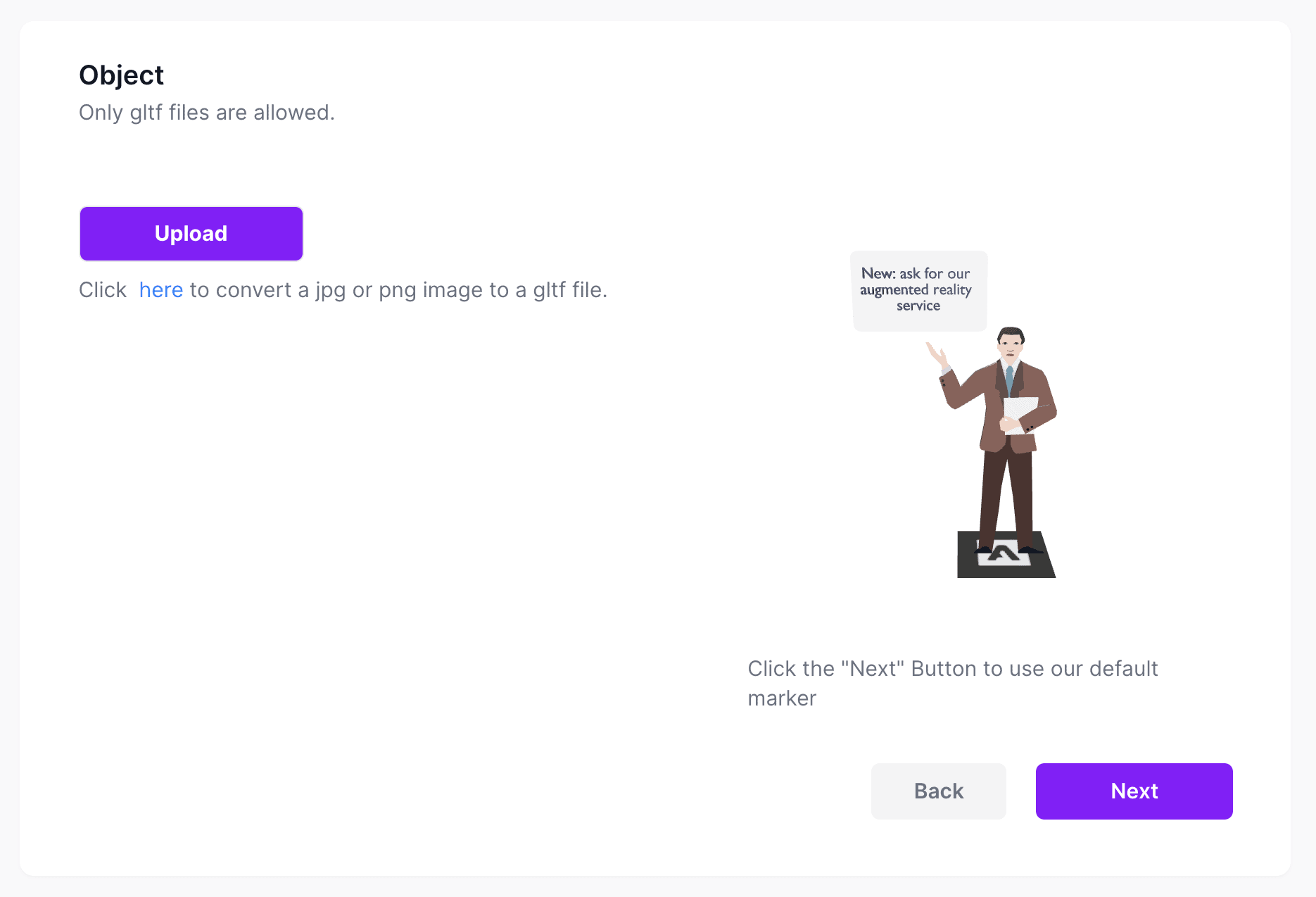
Here you can upload your 3d object.
Publish
Finally, here is the URL you will need to access the AR experience on your phone.
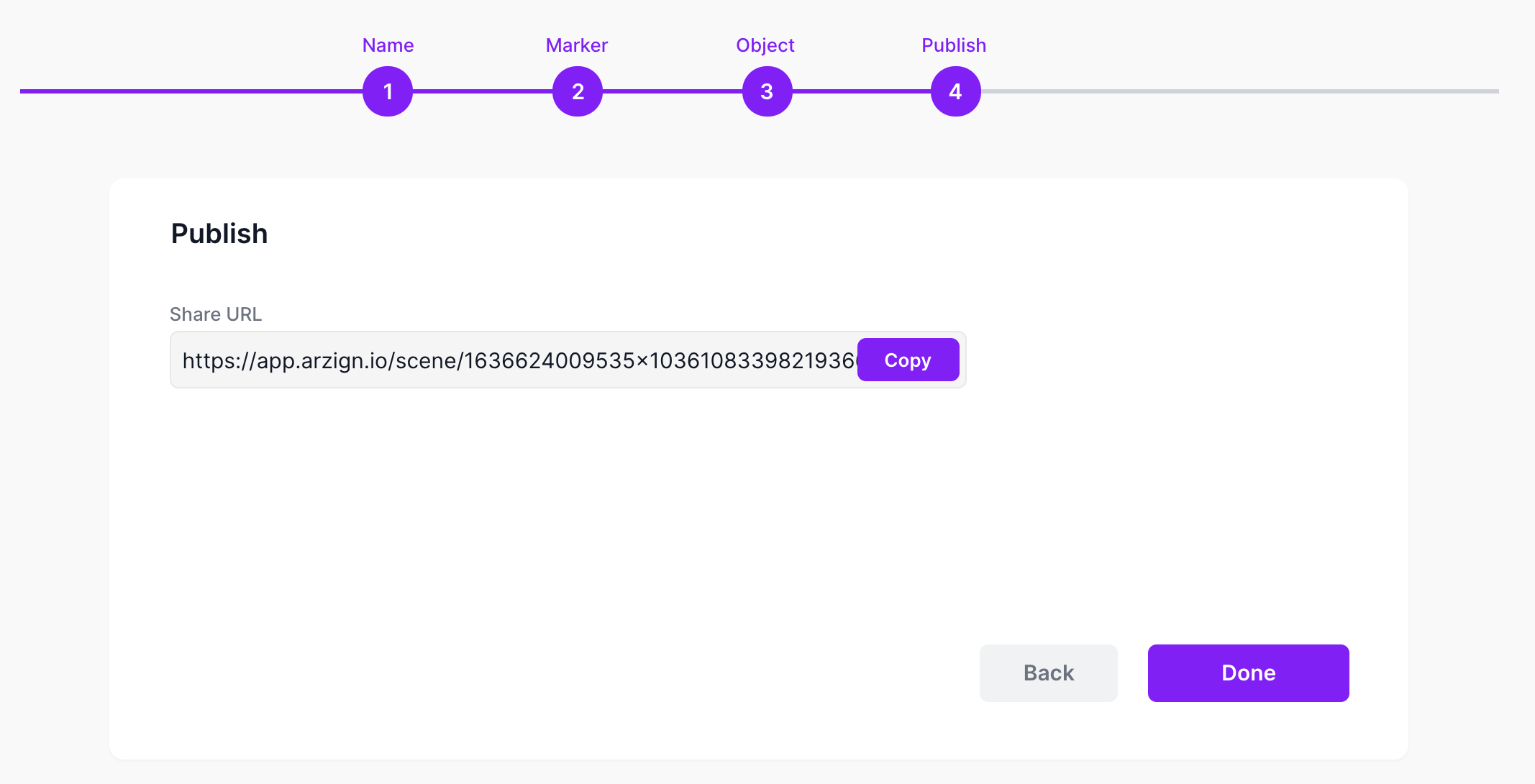
Create QR code
You can open this URL on your phone or use the QR generator to generate a custom QR code.
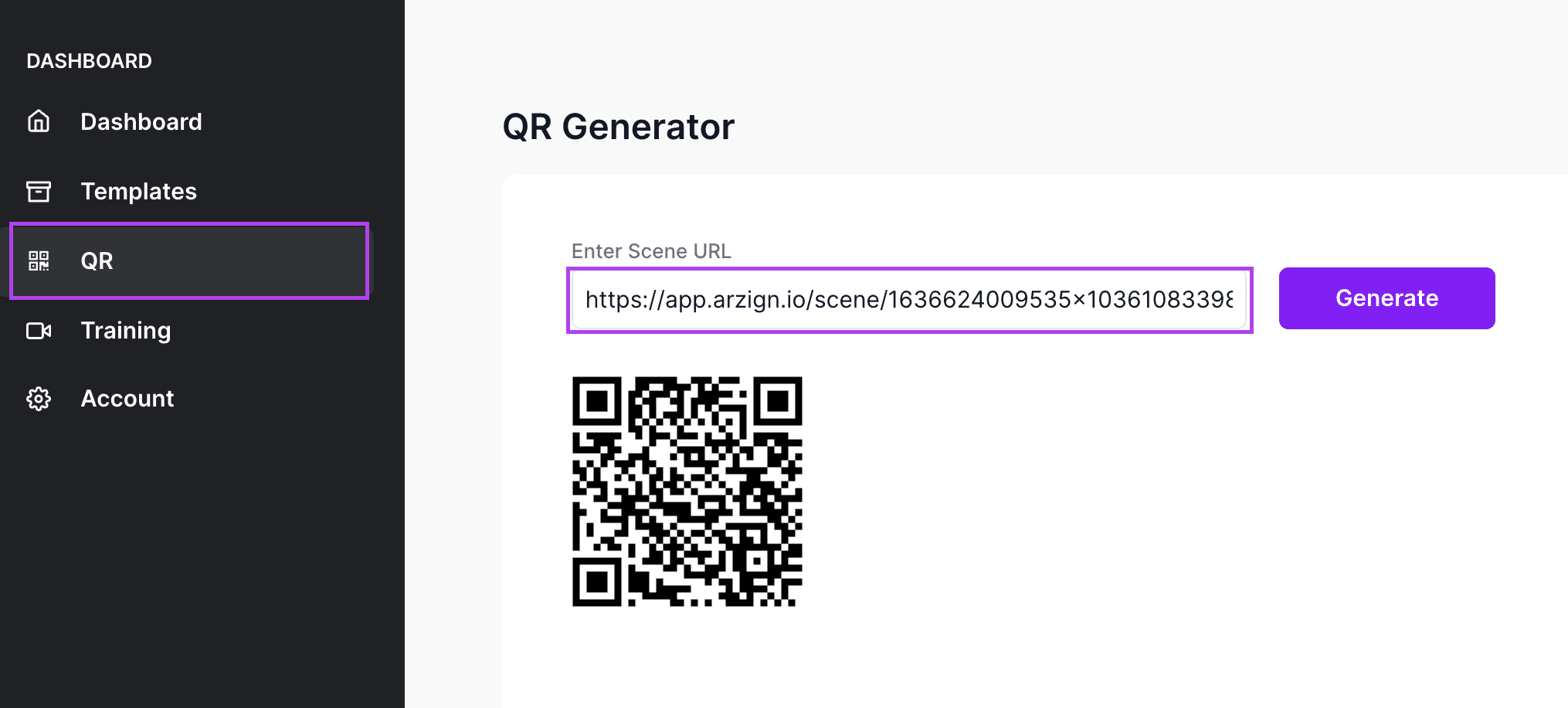
Using your phone or webcam
Make sure to login to app.arzign.io first before opening the URL or scanning the QR code.
Once you click on the URL, it will trigger your camera and allow permission requests like so:
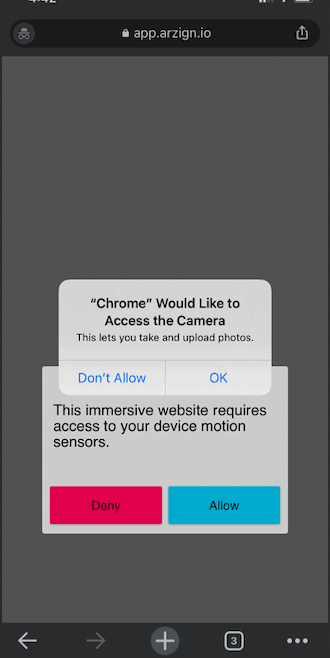
Focus on your chosen marker and see your AR scene appear!
Note: When browsing through your desktop, you might need to set "Allow" for the arzign site before it can use your camera. Please refer to this guide.