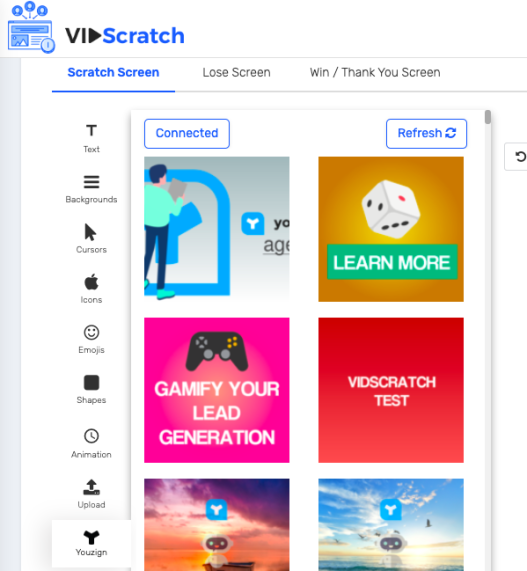
You can retrieve and insert your Youzign designs inside VidScratch using our integration.
Here is how it works.
1. Login to your VidScratch account;
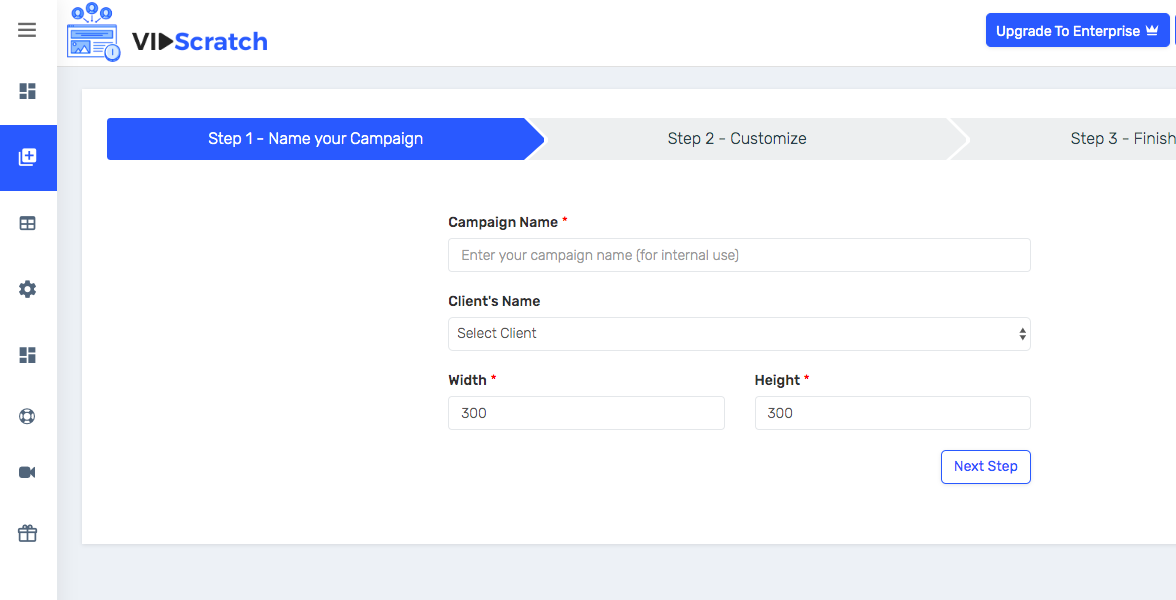
2. Create a campaign; then proceed with Step 2: "Customize"
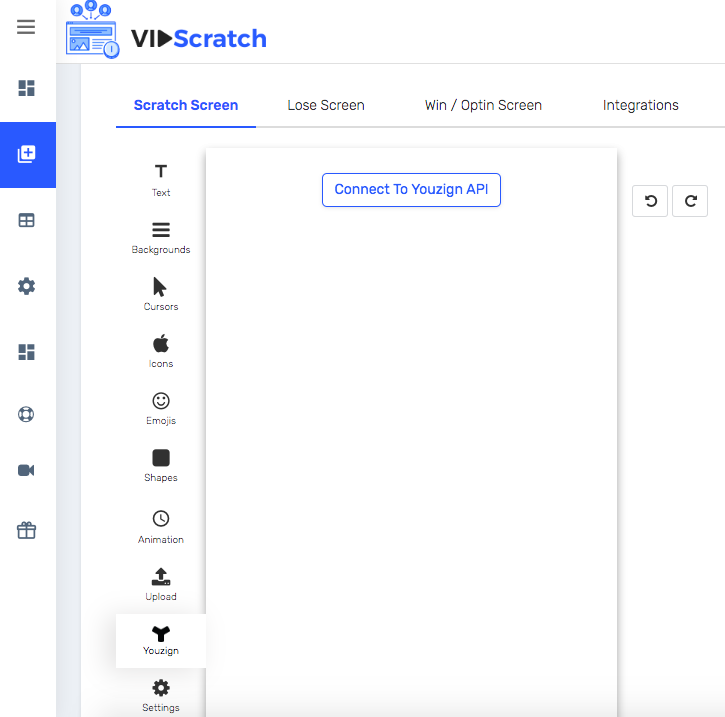
3. You will then see a Youzign icon, click on it and click on "Connect To Youzign API" to connect your Youzign account.
4. Key in your Public API key and Token on the popup field. You can find your keys following this guide.
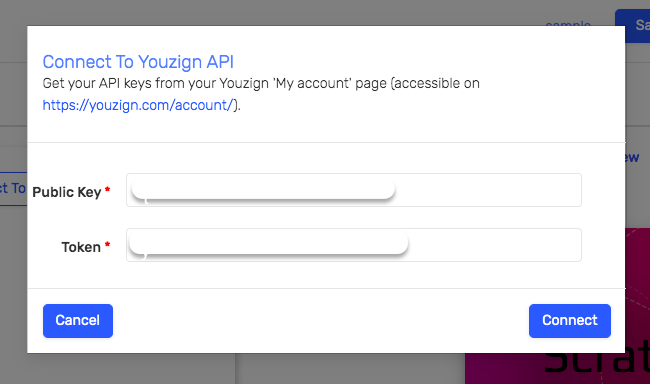
5. Click on Connect and you can start accessing your Youzign designs in VidScratch. Thanks!