
We made it incredibly easy for you to access 1100+ free Google fonts inside Youzign!
Here are the steps on how to access them:
1. Open the Youzign editor and load any text.
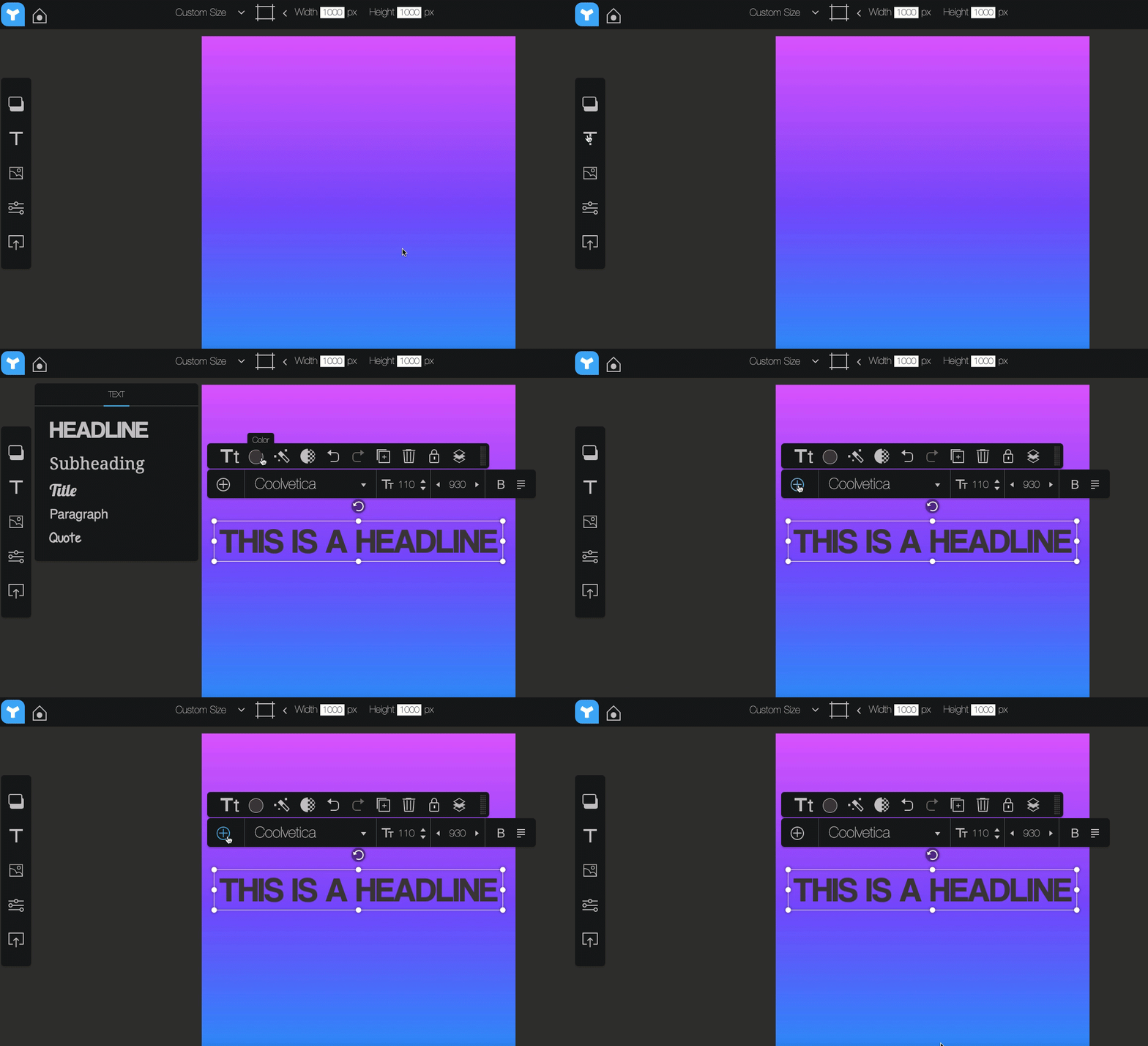
2. Click on the + sign and choose Google Fonts.
3. This will open all the Google Fonts in Youzign. Simply scroll down to see all the available fonts. Once you got your pick, click the Add button on the right side of your chosen font.
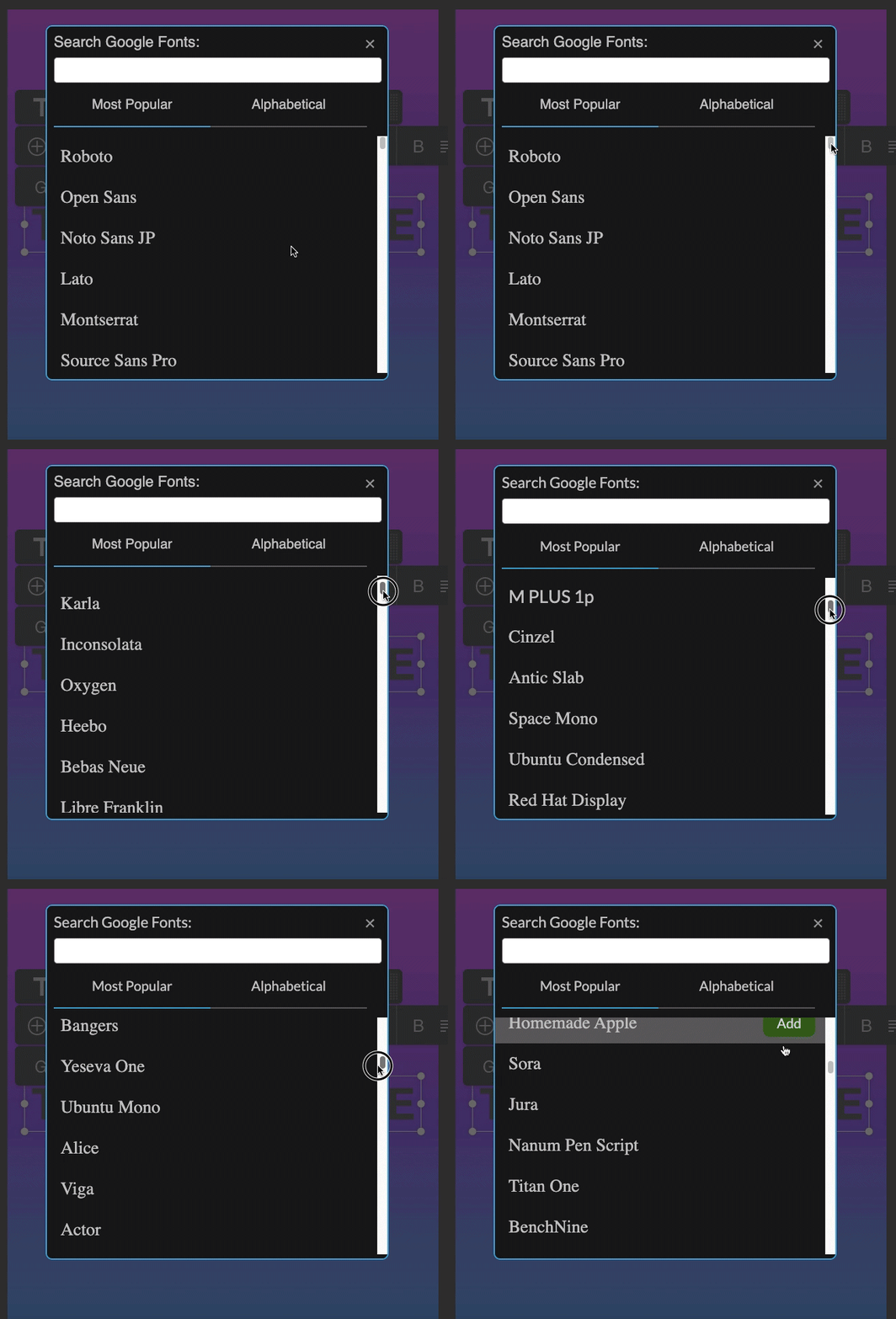
Or select Remove to delete a font from your library.
Note: For the license info of Google fonts, free free to read the FAQ here. Thank you!