
Here are the steps to add a new client to your agencyzign dashboard:
1. Select the Agency view on the Profile options at the top right of your dashboard.
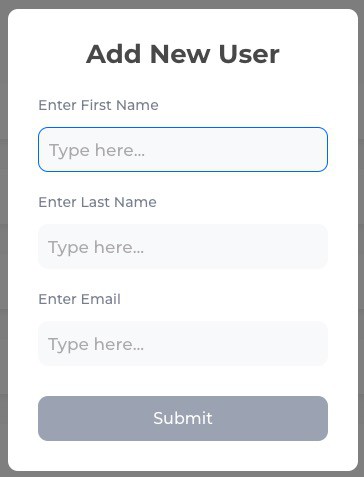
2. Go to the Clients' tab, there you will find a  button. Click on it.
Here are the steps to add a new client to your agencyzign dashboard:
1. Select the Agency view on the Profile options at the top right of your dashboard.
2. Go to the Clients' tab, there you will find a button. Click on it.