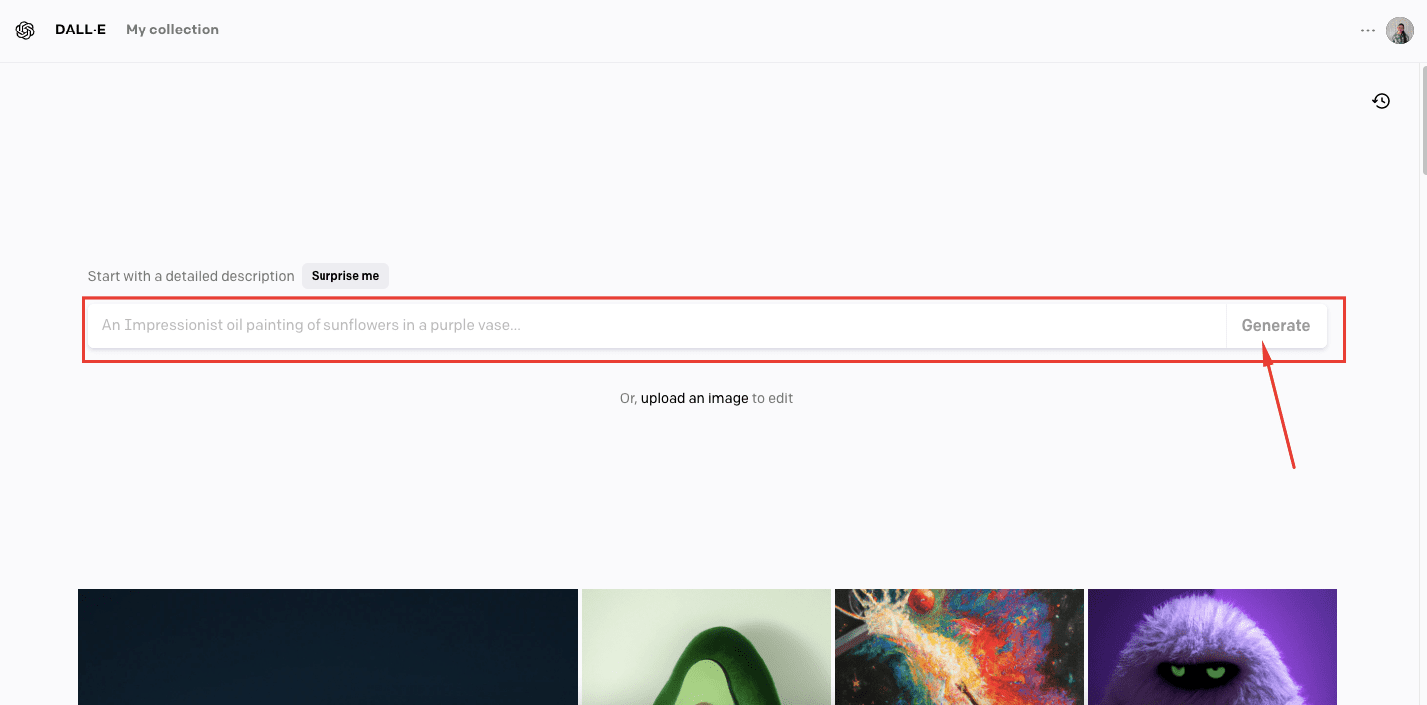
Watch the video below to find out how to generate an AI image with Dall-e.
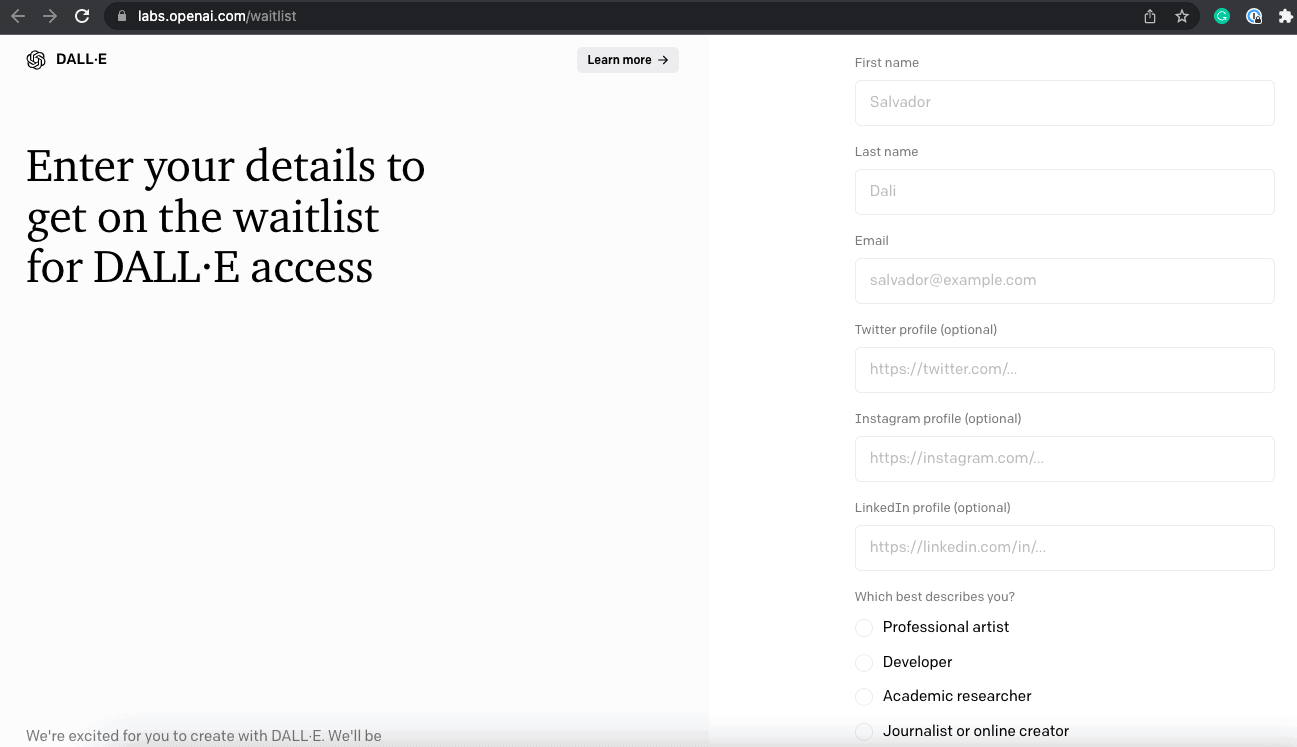
1. To start using Dall-e, please make sure to sign up for their waiting list here => https://labs.openai.com/waitli...
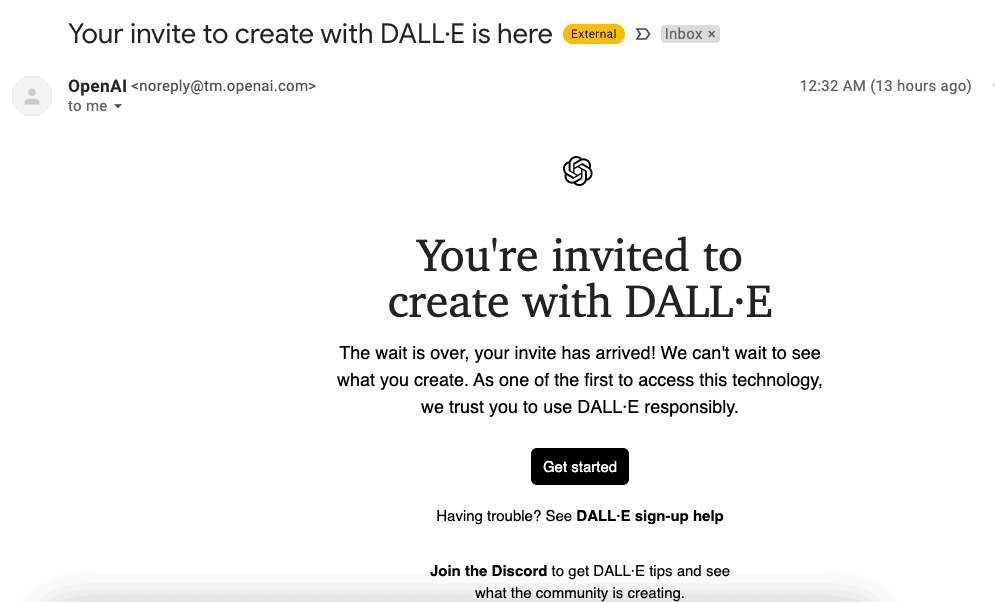
2. You will receive a confirmation in a few hours and you can already sign up for your Dall-e account.
3. Inside the dashboard, simply paste your prompt and click "Generate". Watch the AI come up with your visual.