
Being able to create a professional-looking campaign in a breeze is the soul feature of Adzign.
Here are the steps:
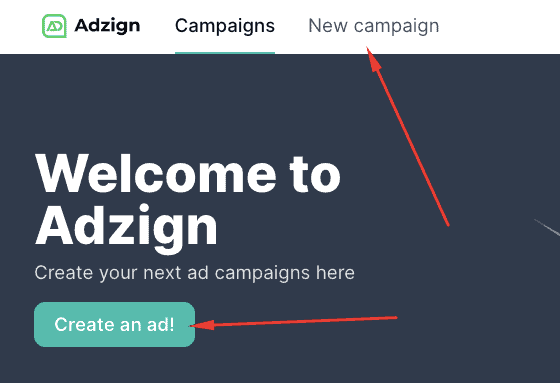
1. Login to your Adzign dashboard and choose Create an Ad or simply click the New Campaign tab
2. Choose your campaign type.
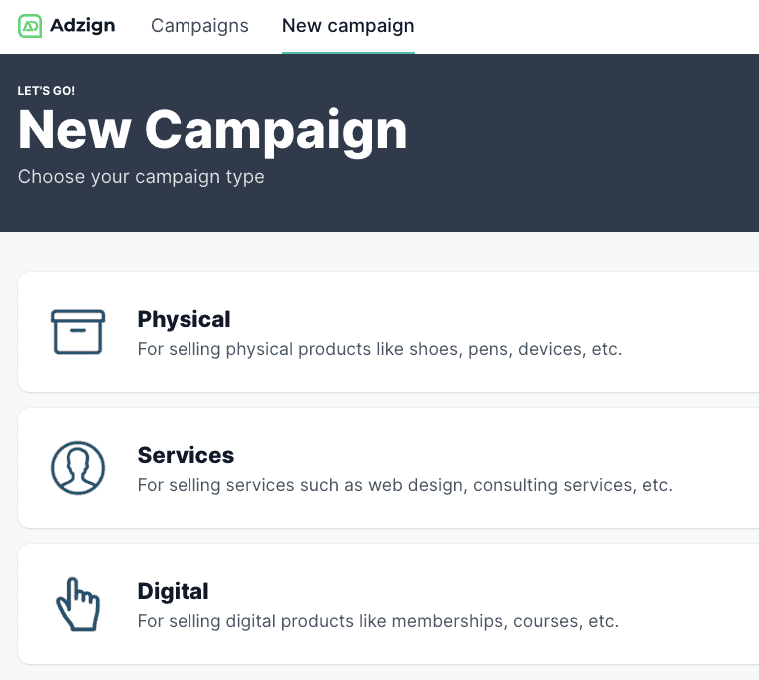
Physical campaign type - From the name itself, this type of campaign features products that are tangible like shoes, pens, devices, etc.
Services campaign type - We also call this the "people ad" because the main subject of the ad is a face of a person. This is recommended for selling services such as web design, consulting services, etc.
Digital campaign type - These are ads that feature images of websites or device screens. This is best for promoting digital products like memberships, courses, etc.
3. Once you've selected the type of campaign, next is to Select a template.
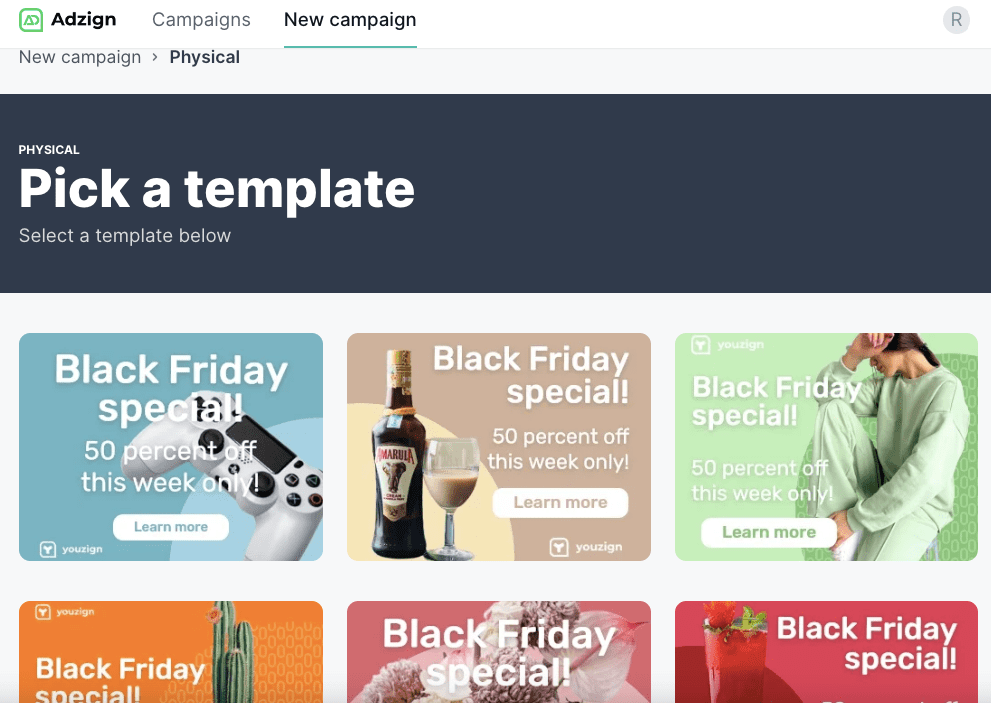
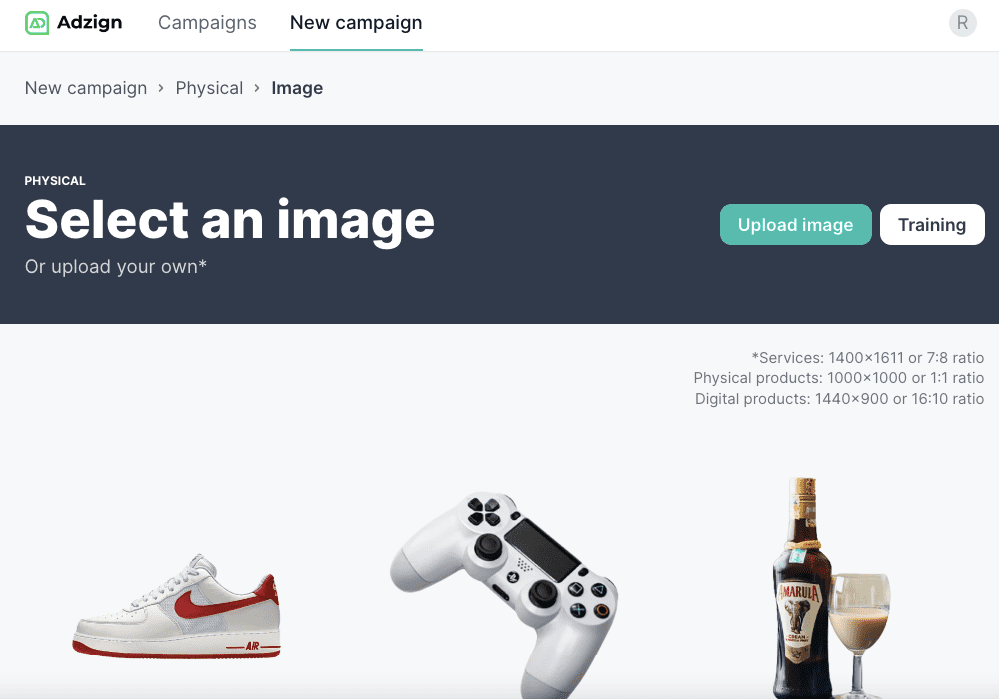
4. Choose an image from the available templates or you can also upload your own.
Check out this tutorial on how to upload your custom image in Adzign.
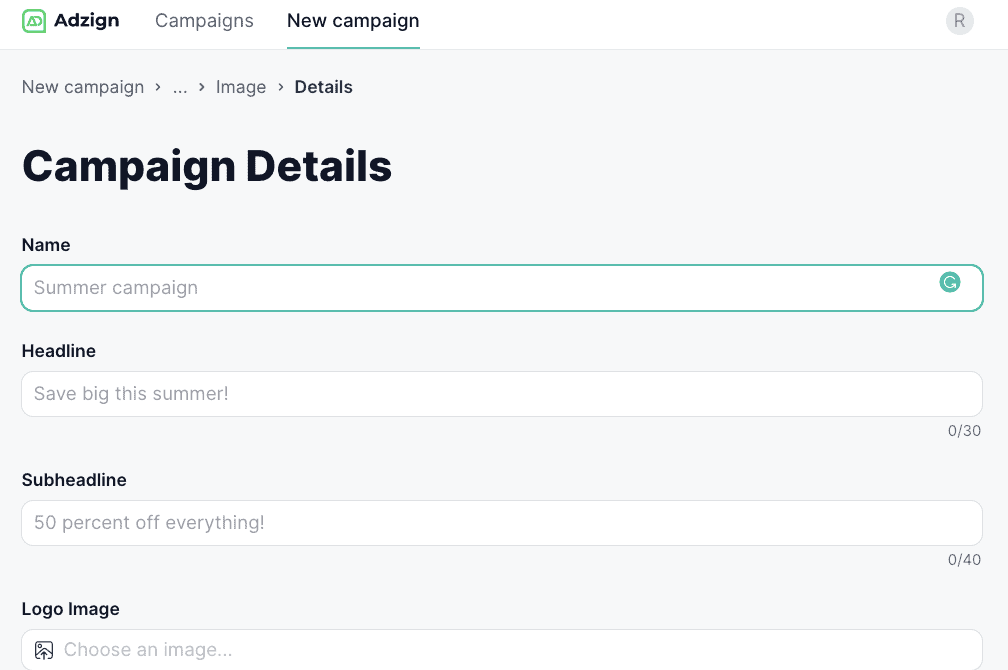
5. Add text to your campaign. You're almost there! :-)
Note that the text characters are limited so be sure to be brief with your ad description.
You can even add your own brand logo! Hooray!
6. When all the details are added, you can now hit Submit and check your campaign on the Campaigns tab.
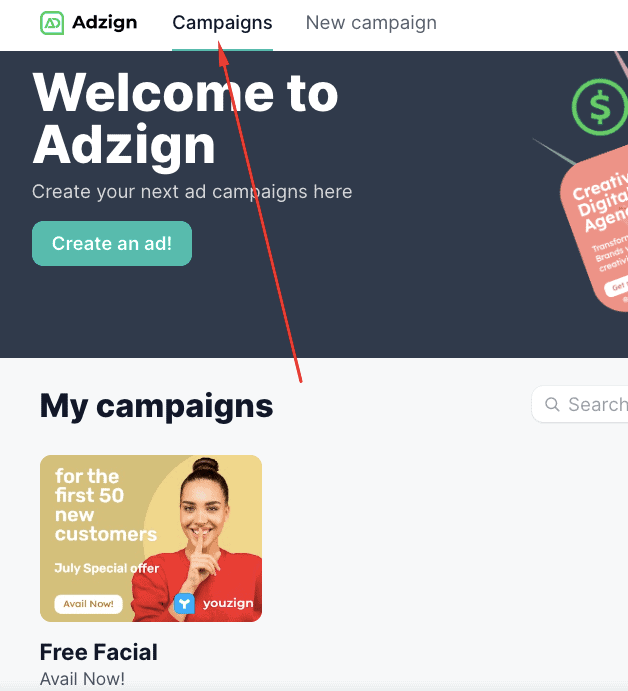
7. That's it! Click anywhere on the finished ad to see download your visuals. :-)