
Zign.ai helps you come up with the right keywords or "AI prompts" like descriptions, medium, emotion, effect, design styles, poses, background options, image ratio, and so much more to generate the image you have in mind as closely as possible.
Watch the demo below to understand how Zign.ai works.
1. Login to your Zign.ai account here.
2. Choose a category from the panel on the left side of your dashboard.
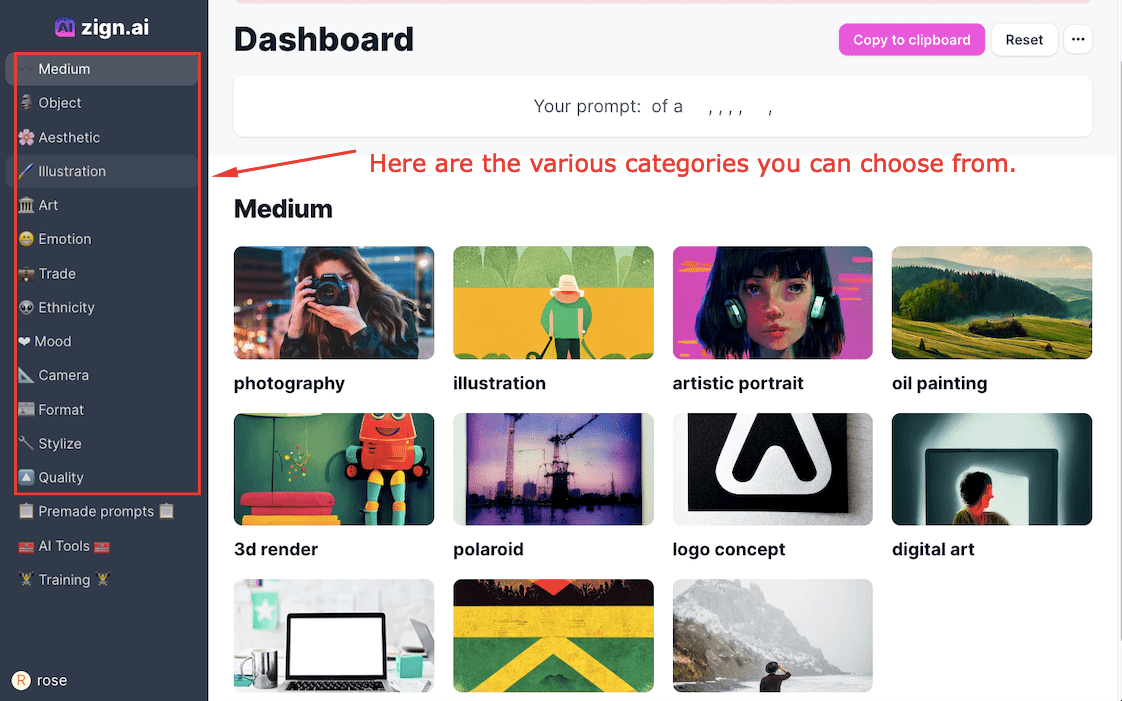
3. Inside a category, you can find different attributes that you can use to describe the image you have in mind. Select any attribute to add them to the prompt field on top of your dashboard.
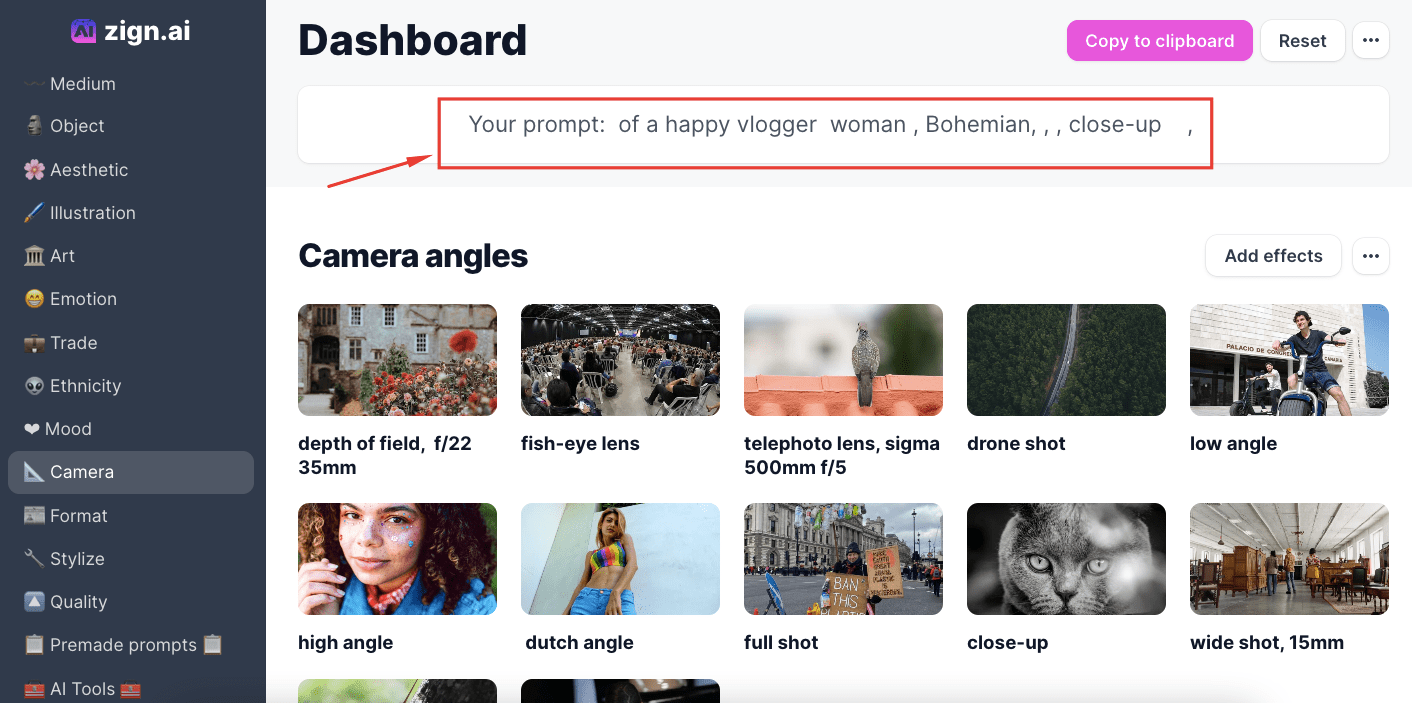
4. Once you are done adding your design attributes, you may now copy your prompt to your clipboard and paste it into your preferred text-to-image AI

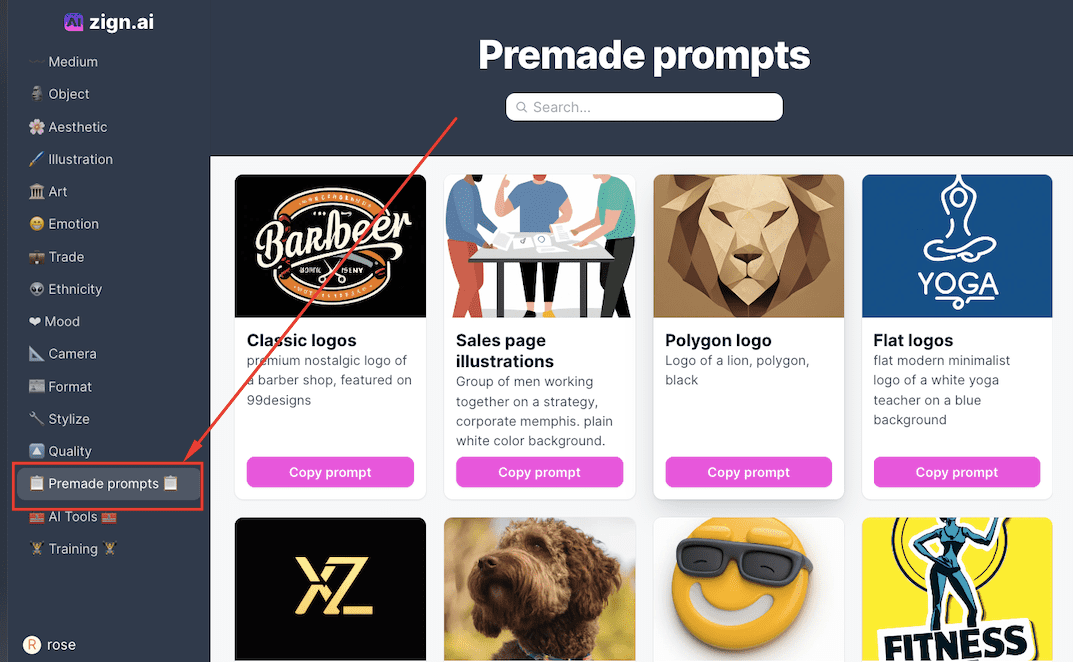
If you need further inspiration, you might find our Premade Prompts handy as well. You can find them on the lower part of the categories panel:
Related tutorials:
=> How to generate an AI image with Dall-e.