
Slidezign makes it incredibly easy to create video slides for your marketing projects!
Here are the steps to use the new Slidezign:
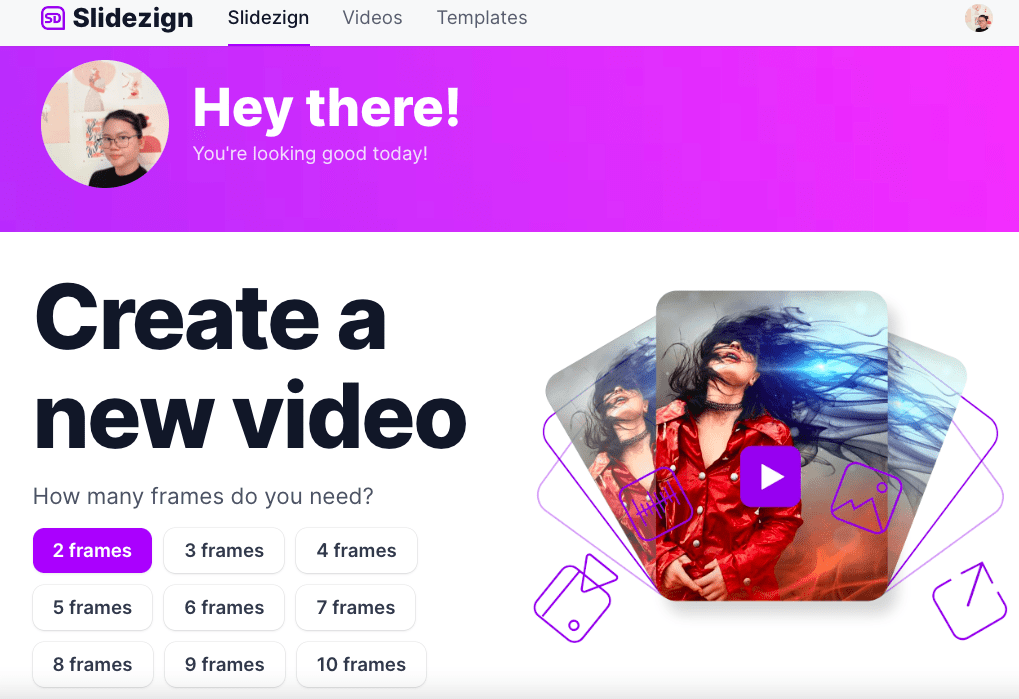
1. Login to your account and choose the number of frames for your video.
(The frames are the number of transitions/ slides on your video).
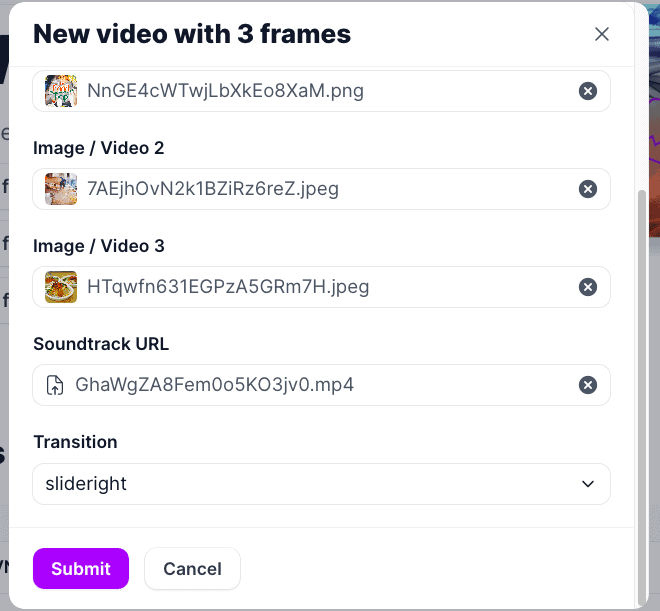
2. A pop-up will open where you can upload your images, videos, and other assets.
For images, it has to be in the format PNG, JPG, or JPEG.
For videos and soundtracks, it has to be in .MP3 or .MP4 formats.
3. Once your assets are loaded successfully, the "Submit" button will be activated, click it.
The app will now start rendering your video.
4. Wait for a few minutes and check your video on the "Videos" tab.